
Fix an ionvac Cordless Vacuum Not Charging with This Guide
This post contains affiliate links. As an Amazon Associate, we earn from qualifying purchases.
To fix an ionvac cordless vacuum not charging, start with the physical connection: inspect the USB-C port for debris, use only a 2A power source, and perform a battery reset by holding the power button for 20 seconds. For the WF8 model, a full charge takes 2-3 hours and the battery requires a maintenance charge every 2-3 months to retain capacity.
The WF8’s USB-C port is the single most common failure point. Lint and dust pack into that small opening, breaking the connection before the internal electronics ever see power. A can of compressed air and a bright light solve more than half of these cases.
What follows is a walkthrough of the seven physical checks, the specific environmental limits that brick these units, and the one manufacturer-recommended maintenance task almost every owner misses. By the end, you’ll know whether your vacuum needs a five-minute clean, a new cable, or professional service.
Key Takeaways
- The USB-C port on ionvac WF8 models fails first. Compressed air and a visual inspection for bent pins are mandatory before any other step.
- Charging requires a true 2A power source. Phone chargers and laptop USB ports often deliver less, leading to slow or failed charges.
- Store the vacuum away from sinks and heaters. Internal circuitry corrodes from ambient humidity and heat damage is irreversible.
- Perform a full battery reset by removing the battery (if possible) and holding the power button for 20 seconds to clear electrical faults.
- The battery needs a full charge every 2-3 months, even if unused, to prevent deep discharge that permanently kills capacity.
The 7-Step Troubleshooting Process (Start Here)
Skip the guesswork. Follow these steps in order. Each one addresses a specific, documented failure mode from the manufacturer’s own guides.
- Inspect and clean the charging port. This is non-negotiable. For WF8 models with USB-C, shine a light into the port. Look for packed lint or a bent center pin. Use a can of compressed air to blast it out. Never use metal tools.
- Test your power source and cable. Plug your cable into a known-good wall outlet using the included adapter. If you’re using a third-party USB block, it must output 5V/2A. Try a different cable, preferably the one that came with the vacuum.
- Check the physical condition. Look for visible damage on the vacuum body, battery compartment, or charging contacts. For robot models like the SmartClean V2, wipe the two metal charging contacts on the bottom with a dry cloth.
- Perform a hard reset. Turn the vacuum off. If the battery is removable, take it out. Hold the power button down for 20 seconds. Reinsert the battery and try charging again. This clears transient electrical faults.
- Verify the battery’s status. While charging, indicator lights should flash. If they don’t illuminate at all, the battery may be deeply discharged or dead. A full charge cycle takes 2-3 hours for most models.
- Empty and clean the filter. A completely clogged HEPA filter can cause the motor to overheat and trigger an internal thermal cutoff, which may mimic a charging failure. Tap out the filter over a trash can.
- Check the storage environment. Is the vacuum stored in a garage, bathroom, or near a heater? Move it to a cool, dry room and let it sit for an hour before attempting to charge again.
A blocked USB-C port doesn’t just slow charging, it prevents it entirely. The charger handshake fails at the physical layer, so the vacuum’s internal management circuit never activates. You get no lights, no warmth, nothing.
Where this goes sideways: using a phone charger rated at 1A or less. The WF8 manual specifies a 2A charging current. A weaker source might trickle-charge over 8 hours or not charge at all, leaving you convinced the vacuum is broken.
Diagnosing Your Specific Ionvac Model
Not all ionvacs charge the same way. The fix depends on which version you own.
Ionvac WF8 & Similar Cordless Handhelds
These are the most common. They use a USB Type-C port and a 7.4V/2000mAh lithium-ion battery. The official manual states they can be charged from any USB port delivering 2A power.
The charging lights flash during the process and stay solid when full. If the lights do nothing, the problem is almost always upstream of the battery: the port, cable, or power source. If the lights flash but the vacuum dies in 2 minutes, the battery has likely lost its capacity.
Ionvac StainZero Portable Spot Cleaner
This is a different device. It uses a proprietary power adapter, and the troubleshooting rules are stricter. You must use the included adapter only.
Common mistake: Trying to charge a StainZero with a generic USB-C cable. It won’t work. The manual is explicit: other adapters may not function properly.
Its charge time is longer, about 4 hours. If it takes much longer, the issue is usually the wall outlet or the adapter itself. The StainZero is also sensitive to temperature and humidity during operation and charging.
Ionvac SmartClean V2 Robot Vacuum
Charging fails here are about alignment and contact. The robot docks onto a station with two metal pins.
First, clean the pins on the dock and the robot with a dry cloth. Second, ensure the dock’s power cable is firmly connected. IFixit’s guide notes the dock uses a 6.3*4.0mm DC power cable that can fail. Test it with another device if possible.
| Model Type | Charging Port | Key Spec | First Thing to Check |
|---|---|---|---|
| WF8 Handheld | USB Type-C | 5V/2A, 2-3 hr charge | USB-C port for lint/debris |
| StainZero | Proprietary DC | Included adapter only, 4 hr charge | Wall outlet & included adapter |
| SmartClean V2 | Docking Pins | 6.3*4.0mm DC cable | Clean charging contacts on robot & dock |
Environmental Edge Cases That Break Charging
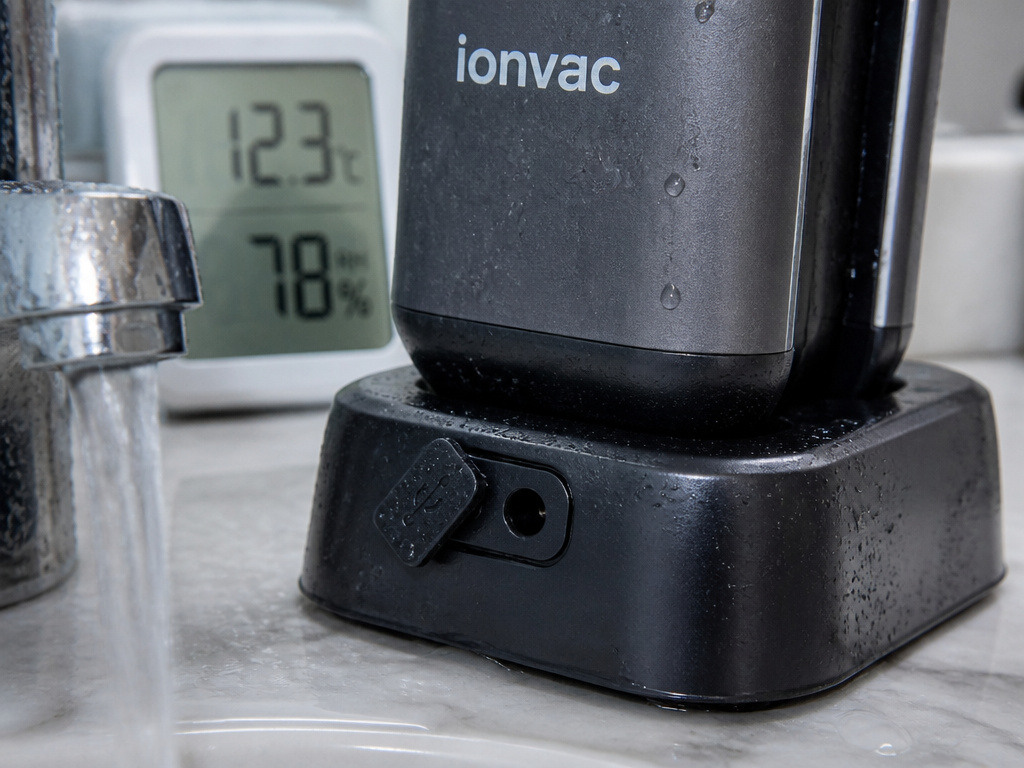
The manuals for the StainZero and general cordless models list specific environmental warnings. Ignoring them doesn’t just slow charging, it can cause permanent damage.
Temperature is a circuit killer. Using or charging the vacuum in spaces below 50°F (10°C) or above 104°F (40°C) can cause the battery management system to refuse a charge. This is a safety feature. The internal circuitry can also be damaged, leading to a complete failure.
Humidity corrodes from the inside. Storing the vacuum in a bathroom or near a kitchen sink exposes it to ambient moisture. The ionvac cordless vacuum is not waterproof. Tzumi’s guide warns that internal circuitry can corrode, creating intermittent faults that are impossible to diagnose at home.
Worth knowing before you start: A vacuum stored in a humid garage for a summer might work sporadically before failing entirely. The damage happens slowly, so you won’t connect the environment to the failure.
The fix is simple but critical: store and charge your vacuum on a dry, room-temperature counter or desktop, away from direct sunlight and water sources.
Battery Maintenance and Long-Term Storage
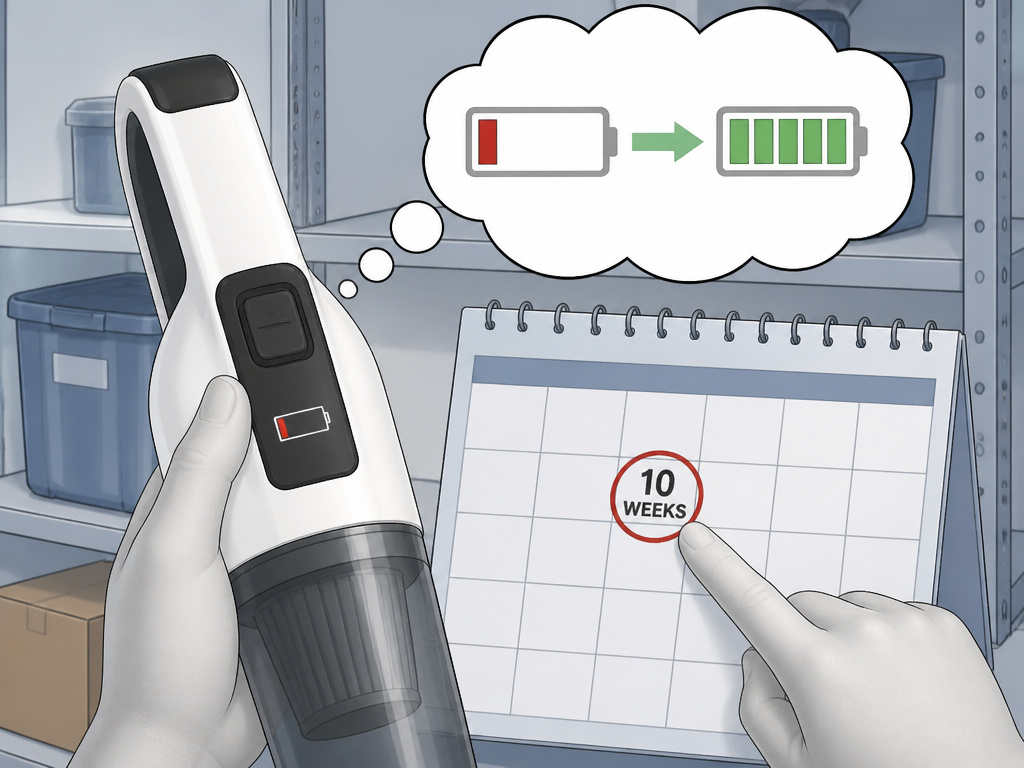
This is the most overlooked section in every manual. Lithium-ion batteries self-discharge over time.
The ionVac WF8 user manual states: “To retain the full capacity of the rechargeable battery fully charge the battery every 2-3 months even if you are not using the vacuum cleaner.”
If you store the vacuum for six months without a charge, the battery can dip below its minimum voltage. Most chargers will then refuse to charge it, seeing it as a damaged cell. This is often mistaken for a dead vacuum.
For long-term storage, give it a full charge, then place it in a cool, dry place. Mark your calendar for 10 weeks out to plug it in again for a few hours. This one habit doubles the functional life of the battery in a cordless vacuum with removable battery or a fixed-battery model.
When to Call for Support or Consider a Replacement
You’ve cleaned the port, used a 2A charger, performed a reset, and checked the environment. The vacuum still shows no signs of life.
First, contact Tzumi support. Have your model number ready. For issues deemed to be internal circuitry problems, the manufacturer strongly advises against disassembly. This voids any warranty and risks personal injury.
If the vacuum is out of warranty and support offers a costly repair, it’s decision time. Weigh the repair cost against newer cordless vacuum with charging station models that may offer better performance. Sometimes, persistent Dyson charging problems or Shark vacuum not charging issues lead owners to upgrade.
For the WF8, a complete loss of power often points to a failed battery or main board. Replacement batteries are sometimes available, but ensure they match the 7.4V/2000mAh specification.
Frequently Asked Questions
Why is my ionvac vacuum not holding a charge?
If it charges fully but dies in under 5 minutes, the battery has likely reached the end of its life. Lithium-ion batteries degrade with each charge cycle. For models with a user-replaceable battery, you can swap in a new one. For sealed units, it requires disassembly or professional service.
Can I use any USB-C cable to charge my ionvac WF8?
You can use any USB-C cable that supports data and power transfer, but the power source (wall adapter) must be capable of delivering 2A of current. The cable that came with the vacuum is guaranteed to work. A cheap cable might not handle the sustained current.
The lights flash but it won’t turn on. What does that mean?
Flashing lights during charging are normal. Flashing lights when you press the power button usually indicate a battery fault or a protection mode. Perform the 20-second hard reset. If that fails, the battery may be too deeply discharged for the charger to recognize. This is a common robotic vacuum battery problem.
Is it normal for the battery to get warm while charging?
Yes. The manuals for the WF8 and similar models note that “the battery casing may heat up while charging, this is normal.” However, it should be warm to the touch, not hot. Excessive heat could indicate a failing battery or faulty charger, unplug it immediately.
How long should an ionvac vacuum battery last?
With proper care, avoiding full discharges, keeping it cool, and doing the 2-3 month maintenance charges, a lithium-ion battery in these vacuums should last 2-3 years before you notice a significant drop in vacuum runtime. Heavy use will shorten that.
Before You Go
Start with the USB-C port and a 2A power source, that fixes most issues. Remember the 2-3 month maintenance charge for storage. If your environment is too hot, humid, or cold, the vacuum will protect itself by not charging.
If all physical checks pass, the problem is likely internal. For newer models under warranty, contact Tzumi. For older ones, weigh the repair against the current market of best cordless vacuums with updated batteries and charging systems. Often, the cost and hassle of fixing an old model exceed the value of just moving on.