
How to Fix a Bissell Vacuum That’s Not Suctioning: 5 Steps
This post contains affiliate links. As an Amazon Associate, we earn from qualifying purchases.
A Bissell vacuum not suctioning is almost always caused by one of five things: a full or mis-seated dirt container, a clog in the hose or nozzle, a wet or dirty filter, a loose or cracked hose connection, or, on canister models, the variable suction dial set to low. Start with the container and work backward to the motor.
That sequence is the difference between a ten-minute fix and an hour of wasted time. Most articles tell you to check for clogs. They don’t tell you that on a Bissell Hard Floor Expert, the door won’t latch if the container isn’t perfectly seated, which kills suction instantly. Or that a CleanView filter needs a full 24 hours to dry.
What follows: the universal five-step sequence, the model-specific filter rules that Bissell prints in the manual but nobody reads, and the one recall you need to know about if your cordless model just quit.
Key Takeaways
- Empty and reseat the dirt container first. A full bin or a container that isn’t clicked into place is the most common cause of immediate suction loss.
- Filters must be bone-dry. A damp pre-motor filter can cut suction by half. Most need 24-48 hours of air drying, a hair dryer warps the material.
- Variable suction is a hidden setting. On canister models like the Hard Floor Expert, the suction control dial on the handle can be turned down by accident.
- Hose clogs hide in bends. A clog often lodges where the hose meets the handle or the pod. You need to detach and look through it.
- Know your filter type. The white pleated filter on many models is not washable; the foam one is. Washing the wrong one ruins it.
The 5-Step Universal Troubleshooting Sequence
Follow these steps in order. Ninety percent of suction problems stop at step three.
Step 1: Empty and Reseat the Dirt Container
Take the container out and empty it into the trash. Look for a large object jammed in the entry port, a Lego, a sock, a hair tie. Before you click it back in, wipe the seal rim on the vacuum body with a dry cloth. Any debris on that rim breaks the seal.
Where this goes sideways: Not fully seating the container. On models like the Hard Floor Expert, the door latch physically will not engage if the container is misaligned. You’ll hear a click, but suction stays dead.
Step 2: Inspect for Hose and Nozzle Clogs
Disconnect the hose from both ends, at the vacuum body and at the floor nozzle. Hold it up to a light and look through it. Use a long, flexible object like a plumbing snake or a straightened coat hanger (with the hook taped over) to clear any blockages.
For the floor nozzle, remove the brush roll and clear any wound hair or string. Check the opening where the hose attaches.
Step 3: Check, Clean, and Dry ALL Filters
This is the step people half-do. Locate every filter. Most Bissell uprights have two: a pre-motor filter (usually foam or felt) before the fan, and a post-motor filter (usually a HEPA-like cartridge) after the motor.
- Remove them.
- Tap them firmly against a trash can to dislodge dust.
- Only wash filters if the manual says you can. If washable, use cold water and mild soap. Never wring or scrub.
- Air dry completely. This takes 24-48 hours. Putting in a damp filter is like trying to breathe through a wet towel.
Step 4: Examine Hose and Tube Connections
With the hose off, inspect the ends for cracks or splits. Check the ports on the vacuum and nozzle for damage. A small crack near a connection point sucks in air and kills vacuum pressure. Listen for a hissing sound when the vacuum is running.
Step 5: Verify All Switches and Dials
Is the vacuum turned on? Is the cord plugged in? For canister vacuums like the Hard Floor Expert, find the variable suction control dial on the handle. Make sure it’s set to maximum. For uprights with a “Turbo” or “Power” button, ensure it’s engaged.
This five-step sequence solves the vast majority of general vacuum suction problems. If suction is still weak, the issue is likely model-specific.
Model-Specific Filter Rules (Read This First)
Bissell’s filter instructions are not one-size-fits-all. Using the wrong cleaning method will ruin the filter and void your suction.
| Model Type / Example | Pre-Motor Filter | Post-Motor Filter | Critical Drying Note |
|---|---|---|---|
| CleanView Upright (e.g., 4438) | Foam – Washable | Pleated – Replaceable | 24 hours minimum air dry. A damp foam filter chokes the motor. |
| Hard Floor Expert Canister (e.g., 1154) | Foam – Washable. Pleated – Shake only (except model 63X4). | Cartridge on back – Replace only. | Foam filter needs 24-48 hours. The pleated filter is destroyed by water unless you own a 63X4. |
| 3-in-1 Stick Vac (e.g., 2610) | Single washable filter. | N/A | 24-48 hour dry time. This is the only filter protecting the motor. |
| PowerForce / PowerGroom Upright | Felt pad – Tap clean. | Cartridge – Replaceable. | The felt pad is not washable. Vacuum it clean. |
The post-motor filter is your final defense. It catches fine dust that gets past the first filter. When it’s clogged, airflow backs up. Replace it every 6 to 12 months, or when it looks grey and packed. Regular Bissell CleanView filter cleaning is your best defense against sudden suction loss.
Electrical and Mechanical Failure Points
If the filters are clean and dry and there are no clogs, the problem is deeper.
The Vacuum Turns On But Has No Suction
This points to a major air leak or a failing motor. The motor might be running, but the fan impeller that creates suction could be broken. You’ll hear the motor whine, but feel no pull at the hose. This often requires a professional repair.
The Vacuum Shuts Off After a Few Seconds
Modern Bissell vacuums have a thermal cutoff switch. If the motor overheats, because a clog or dirty filter is making it work too hard, it shuts down to prevent burnout. Let it cool for 30 minutes, then go back to Step 2 (clogs) and Step 3 (filters).
Intermittent Suction or a Buzzing Sound
Check the power cord and the outlet. A loose wire in the cord or a faulty outlet can cause the motor to stutter. Try a different outlet in your home. Also, inspect the vacuum brush problems, a seized brush roll can overload the motor and cause similar symptoms.
Special Case: Bissell Multi Reach Cordless Recall
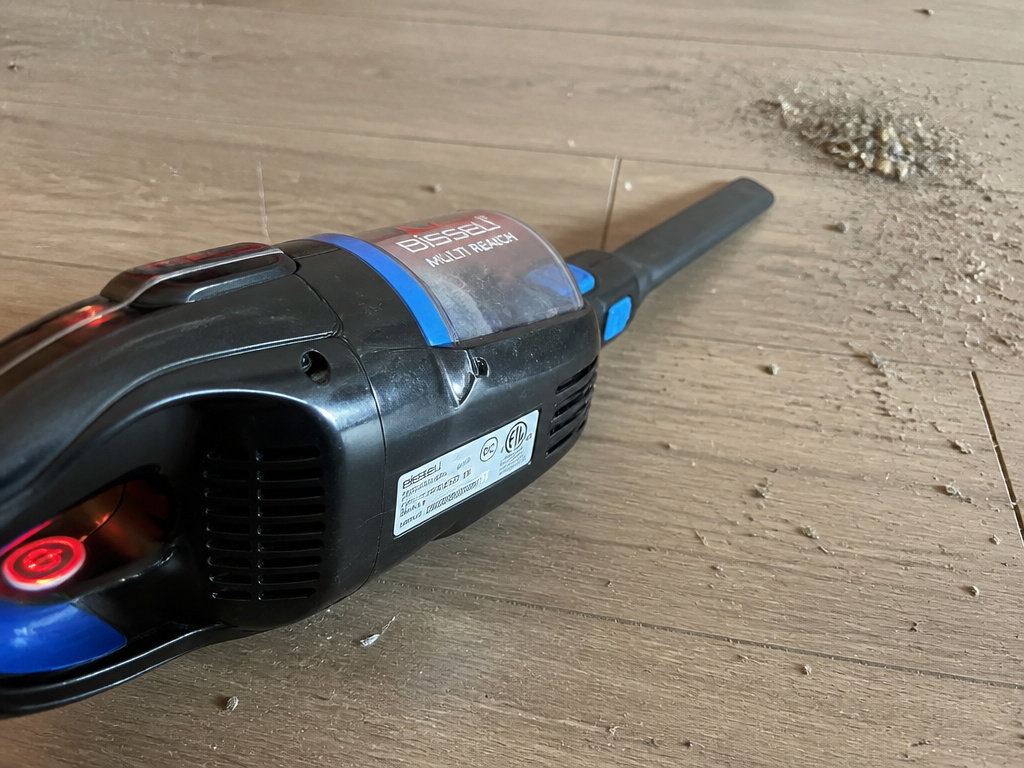 If you have a Bissell Multi Reach cordless vacuum (models 1985, 2151, and similar) that suddenly lost all suction and power, it may be part of a voluntary recall.
These models were sold between August 2016 and December 2022. The recall is for a battery issue that can cause the vacuum to overheat, shut down, and potentially pose a fire risk. A complete loss of power is a key symptom. If your model matches, stop using it immediately and contact Bissell for a repair or replacement.
This is a distinct issue from mere vacuum suction loss due to a clog. No amount of troubleshooting will fix a recalled battery.
Bissell Wet/Dry Vacuum Suction Issues
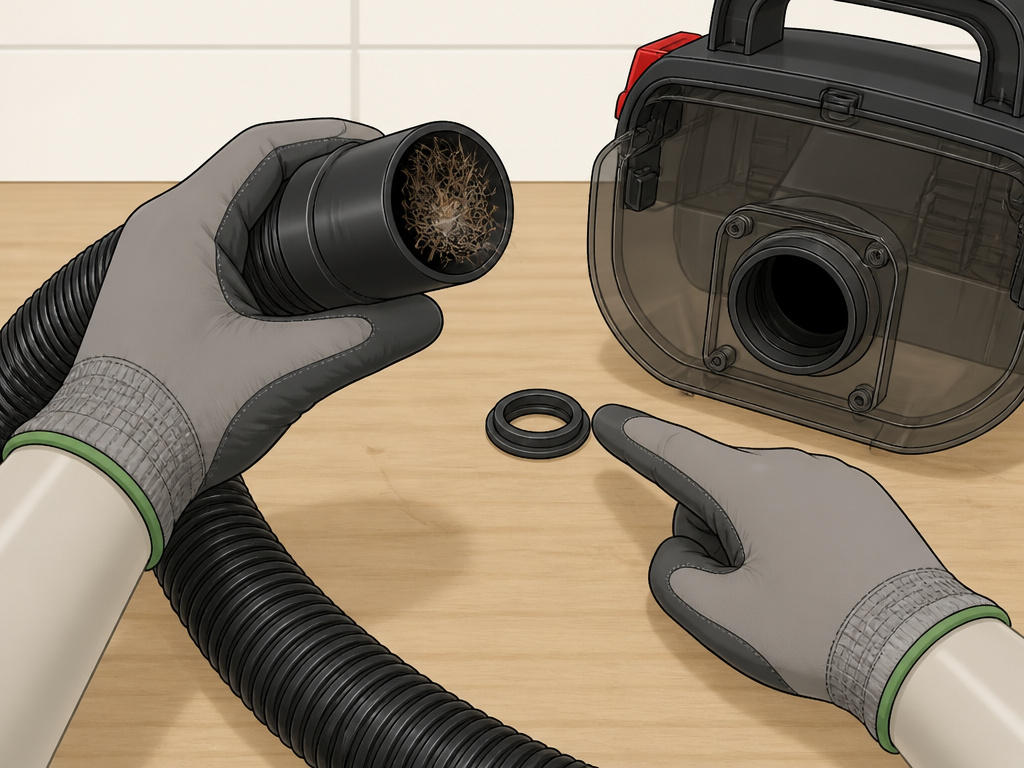 Carpet cleaners like the Little Green, ProHeat, or CrossWave have a different set of rules. Suction loss here usually means a problem with water airflow.
- Check for Dry Clogs First: Before assuming the worst, run through the standard five-step sequence. A hair clog in the suction hose is common.
- The “Waterlock” Seal: On many wet models, the dirty water tank has a rubber seal or float that must be clean and seated to maintain suction. A dirty seal breaks the vacuum.
- Solution Path: For detailed steps, see our focused guides on Little Green not suctioning and ProHeat not suctioning. The principles are similar, but the assembly is different.
The same goes for the PowerClean or Turboclean series. The fix often involves disassembling the suction path from the floor tool back. If you’ve checked the dry clogs, move to the Turboclean Pro suction loss guide.
Maintenance to Prevent Future Suction Loss
Suction doesn’t just vanish. It’s eroded by neglect. A strict three-point routine stops problems before they start.
- Empty the Container After Every Use. Don’t wait for the “full” indicator. A half-full container reduces airflow and makes the motor strain.
- Clean Filters Monthly. Tap out the pre-motor filter every few weeks. Check it after vacuuming large areas or pet hair. Schedule a full filter wash and dry every month.
- Inspect the Hose Quarterly. Every three months, detach the hose and look for cracks or soft spots. Clear any debris in the nozzle. This five-minute check prevents the most frustrating clogs.
This routine is non-negotiable for any vacuum, whether it’s a Bissell, a Shark vacuum suction loss case, or another brand. Consistent care is cheaper than a new motor.
Frequently Asked Questions
Why does my Bissell vacuum have weak suction on carpet?
Weak suction on carpet, but not on hard floors, usually means the height adjustment is set too low. The nozzle is pressed so tightly against the carpet pile that air can’t flow underneath. Adjust the height setting to the highest position for that carpet and test again.
Can a dirty filter break my vacuum?
Yes. A clogged filter forces the motor to overheat. Continuous overheating can damage the motor’s windings or trigger the thermal cutoff switch repeatedly, eventually causing it to fail. A dirty filter is the leading cause of preventable motor death.
How long should Bissell vacuum filters last?
The washable foam pre-motor filter can last for years with proper care. The post-motor filter (the pleated or HEPA cartridge) is a wear item. Bissell recommends replacement every 6 to 12 months under normal use. If you have pets or allergies, replace it every 6 months.
Is it worth repairing a Bissell vacuum with no suction?
It depends on the cause and the vacuum’s age. If the fix is a $15 filter or clearing a clog, absolutely. If the diagnosis is a burnt-out motor on a basic model that’s 7 years old, a repair may cost more than a new vacuum. Always diagnose fully before deciding.
Before You Go
Start with the dirt container. Move to the hose. Then commit to the filter dry-time. Those three actions resolve most cases of a Bissell vacuum not suctioning. Remember the model-specific quirks, the un-washable pleated filter, the variable suction dial, the container latch. For wet vacs like the Little Green or ProHeat, the fix is in the water path. And if you have a Multi Reach cordless model that died suddenly, check the recall notice first. Keep the filters dry and the container empty, and your vacuum will pull strong for years.